

Lifestyles of the
AI-Native.
Voice-coding · agent skills · hooks · scheduled tasks
Stop typing. Start operating.
Most engineers babysit a single session.
Operators run a fleet.
Two operators. AI all day, every day.
We build with Claude — for WorkOS, for our customers, and for our own projects on the side.
 Zack Proser
Applied AI · WorkOS
Ships internal + customer AI systems. Dispatches read by 5,000+ engineers.
 Nick Nisi
EM, DX/AI · WorkOS
Leads the DX/AI engineering team.
One repo. Each block builds on the last.
Voice removes the bottleneck. Loops do the work. Gates make it trustworthy. Schedules make it run without you.
Three things on your screen today.
 aie-glossary.workos-internal.workers.dev

It interviews you — and scores how AI-native you are.
A quick before-and-after: the coach asks how you work, gives you an AI-native score, and points at what to start doing next. Use today to finally try that workflow you've been meaning to get to. Opt-in, for fun — and it quietly powers the board.
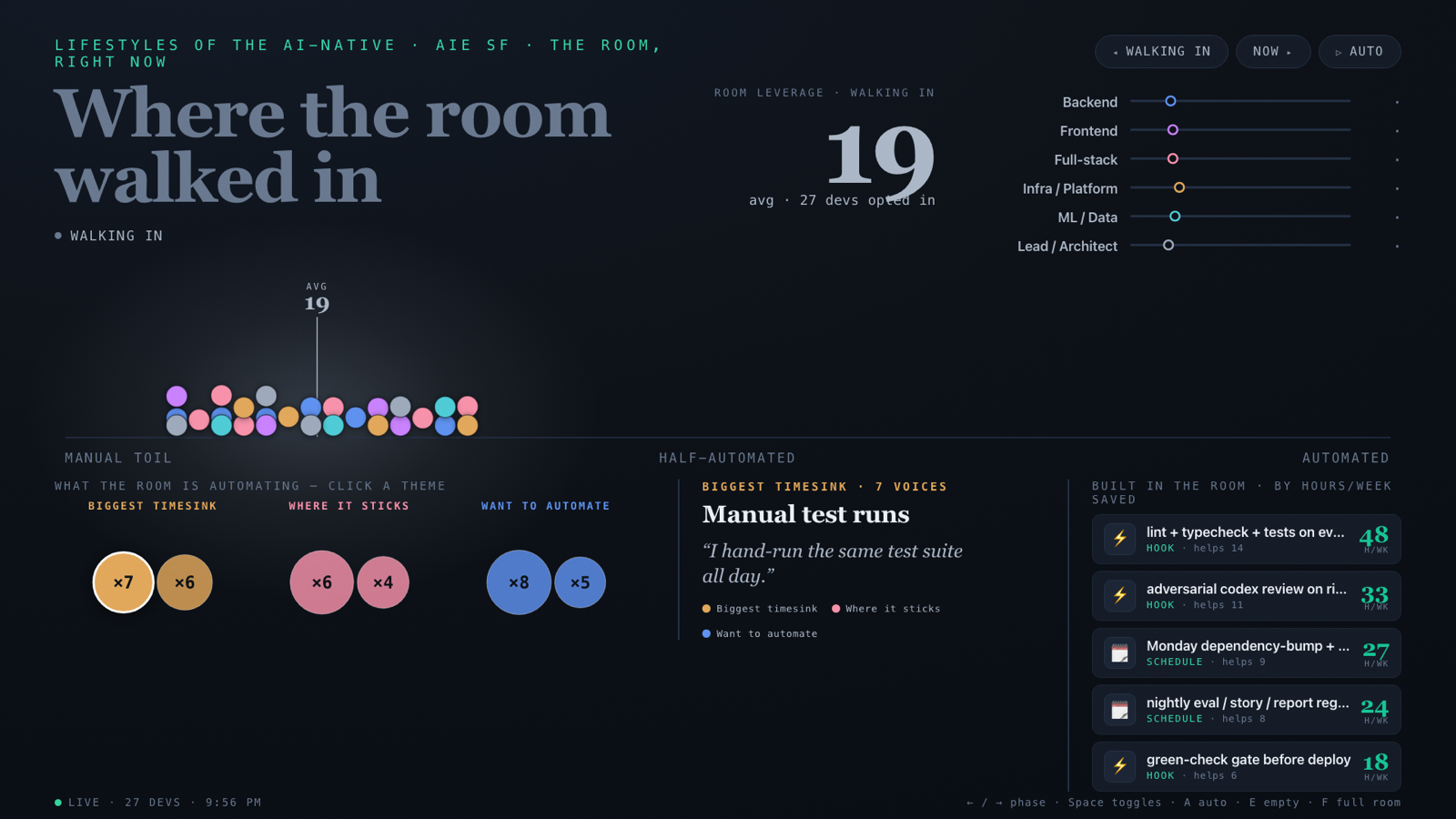
Your check-ins light up the board.
Opt-in and anonymous — only the answers you confirm and your score leave your machine. The board turns them into the room's picture: where the toil is, the hooks and scheduled tasks worth building, and the hours/week we reclaim. The before→after at the close is the payoff.
Start here.
- 1Trust this repo in Claude CodeOpen it and let Claude Code work in the directory.
- 2Say “set me up for the workshop”It installs what you need and gets you ready.
- 3Say “run my workshop check-in”Anonymous, opt-in — puts your toil on the board.
Then we begin Block 1.

Voice coding.
Your mouth is faster than your hands. Use it to manufacture work.
Speaking is about 2× faster than typing.
Same brain. ~2× the throughput — with enough caffeine and a voice-to-text tool like WisprFlow or Handy.
Fix a bug by voice. Then drive three agents at once.
One refactor, one fix, one non-code task — all in flight, all driven by your voice. You’re not the typist anymore — you’re the director.
Say the outcome — not the keystrokes.
"select… cut… paste… rename across 14 files…"
"Extract the auth client into its own module and fix every call site."

Pick the one that runs on your machine.
Lots of good dictation tools. For a room of 100 laptops, one trait wins.
Free, open-source, on-device (Whisper / Parakeet). No cloud, no account. Private; works offline.
Polished, cross-app, quick to start — but cloud-routed and paid. Reach for it when you want managed convenience.
Today we pick private, free, local-only — five-minute setup, no card.
Voice.
Hands off the keyboard. Talk to the repo.
Get your voice working.
⏱ 5 min cap› Set up Handy for me.
- install
- grant mic + accessibility
- pick a push-to-talk key
- test it — then everything after this is by voice
Fix a bug — out loud.
“Find a failing test in a repo I brought and fix the root cause.”
Try “Run the tests and tell me what's red,” then “Fix the root cause, not the symptom.”
Drive three at once.
“Refactor the auth client into its own module and update the call sites.”
“The date filter is off by a day in UTC — write a failing test, then fix it.”
“Draft release notes from this week's merges.”
Brief the next tab while the last one runs. Keep talking.
Put yourself on the board.
“Run my workshop check-in.”
Anonymous, opt-in — only what you confirm. Watch your toil land on the board.

Loops & goals.
Stop babysitting prompts. Hand over a goal and walk away.
You can talk fast now. You're still babysitting.
The next unlock: hand off whole jobs — and walk away.
An agent is a model in a loop.
The model drives it — thinks, acts, reads the result, picks the next step — until it decides it’s done.
/goal and /loop are two ways to run this loop unattended.
A goal, or a loop.
/goal
Run until a condition is met — no timer. Today's hand-offs.
/loop
Repeat a task — on a timer, or self-paced. Recurring; you'll use it in the scheduled block.
Try → check → fix → repeat.
This is the /goal command. You hand it a check and a condition; it tries, runs the check, and on a red it reads the failure, fixes, and goes again — no re-prompting. It stops on its own when the condition holds.

“Done” is a checklist, not a vibe.
A goal is a definition of done — a list of boxes. Reproduce the bug with a failing test · implement the fix · lint, typecheck & tests green · open the PR. The agent decomposes the work and isn't done until every box is checked — no victory declared on a hunch.

Four boxes. None optional.
The issue ships a checklist; the agent isn't done until every box is checked.
Agents declare victory early.
A checklist makes ‘done’ unskippable.

Goal vs. loop.
/goal — bounded: iterate until a condition holds, then stop. No timer.
/loop — recurring: repeat a task — on a timer (e.g. every minute), or self-paced — this session.
Run parallel goals on git worktrees — isolated checkouts, no collisions.
Goal vs. loop, in the wild.
/goal stops on green; /loop keeps repeating — on the clock or self-paced — till you stop it.

Many agents. Zero collisions.
Each agent on its own git worktree — parallel, never stepping on each other.
Loops all the way down.
The agentic loop is the atom. Every block is that same loop at a higher altitude.
Voice feeds it · loops & goals run it · gates make it trustworthy · schedules run it without you.
Loops & goals.
Hand over a job. Walk away.
Work a checklist issue.
/goal bun playground/goals/check.ts shows 5/5
Works the cart checklist in playground/goals/TASK.md, iterating until 5/5 — the check script is the judge.
Set a goal, walk away.
/goal bun playground/loops/check.ts passes
Walk away. The agent reads each failing case, fixes playground/loops/slugify.ts, re-runs, and stops when all 6 checks pass.
Now loop it.
/loop 1m bun playground/loops/watch.ts
Re-runs the check every minute and prints one clean status line per tick — watch it hold at ✅ all 6 green. Esc to stop. That’s one mode of /loop: repeat on a timer — or omit the interval and it self-paces. /goal fixed it until done; /loop repeats till you stop.
Two agents, two worktrees.
“Spin up a git worktree and start a second agent on issue #2 while this one runs.”
A failure isn’t “try harder.”
It’s a missing gate, gotcha, or step. Fix the system — the next run inherits it.
Which is the whole point of the next block: verification gates.
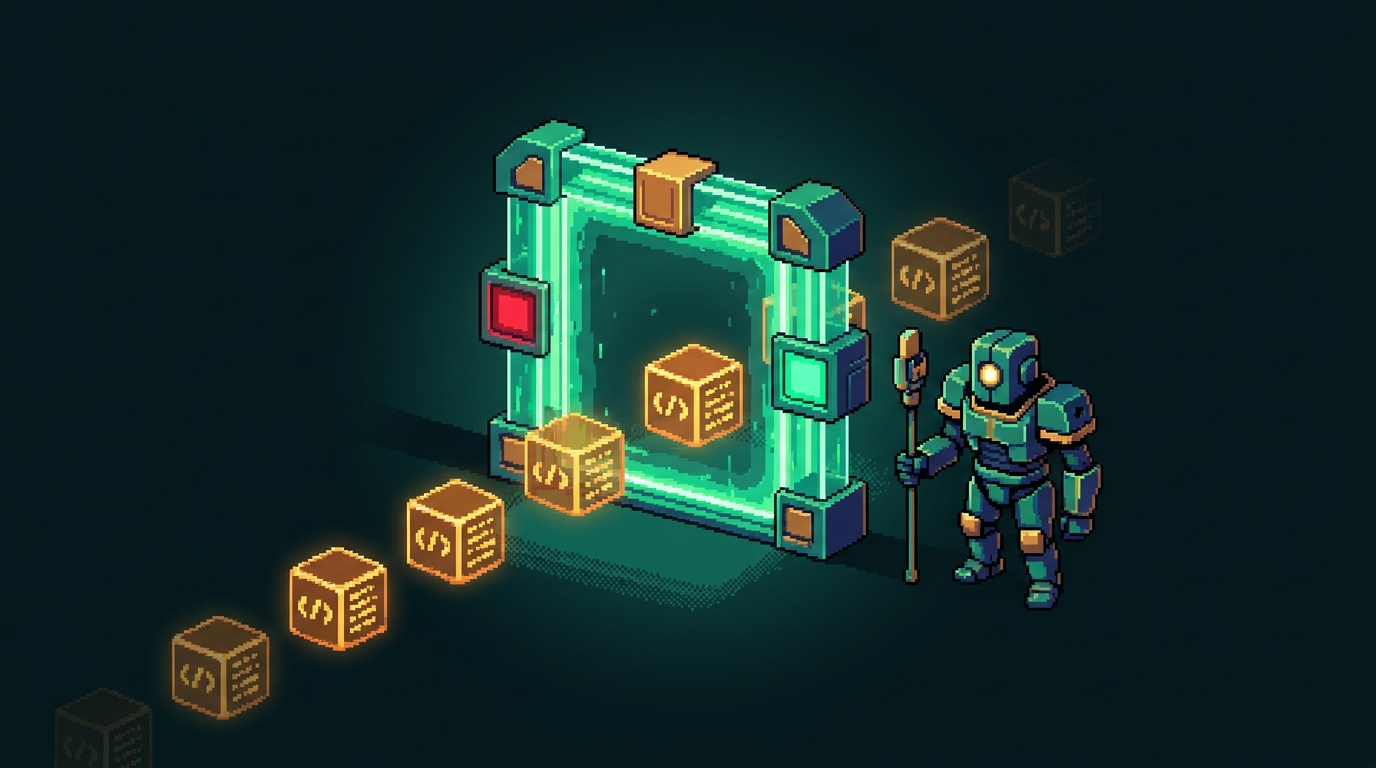
Verification gates.
Trust the gates — not the model's confidence.
“Done” isn't the same as done.
Belief is not a build. Wrap the agent in checks it can't skip.
A hook that lints, typechecks, and tests — every change.
Red turns green, or the work isn't done.
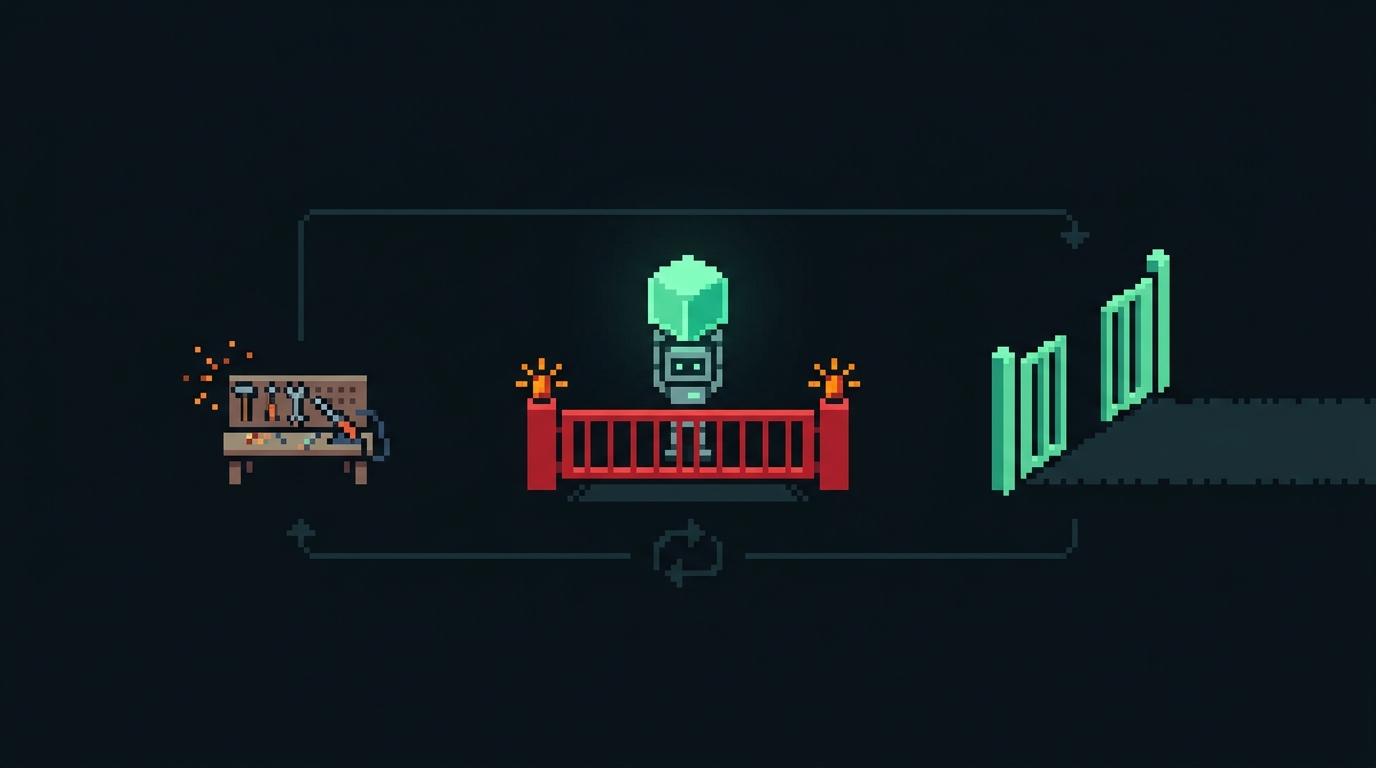
It can't hand you broken code.
A red check fails the step — so the agent fixes itself and re-runs before the change ever reaches you. Broken code never makes it out the gate.
Cheap checks that never sleep.
- ✓Lint + typecheck + test on every edit
- ✓Block commits that don't build
- ✓Auto-format on save
- ✓Run the security linter pre-push
Steal one today. The agent has to pass it before you ever see the work.
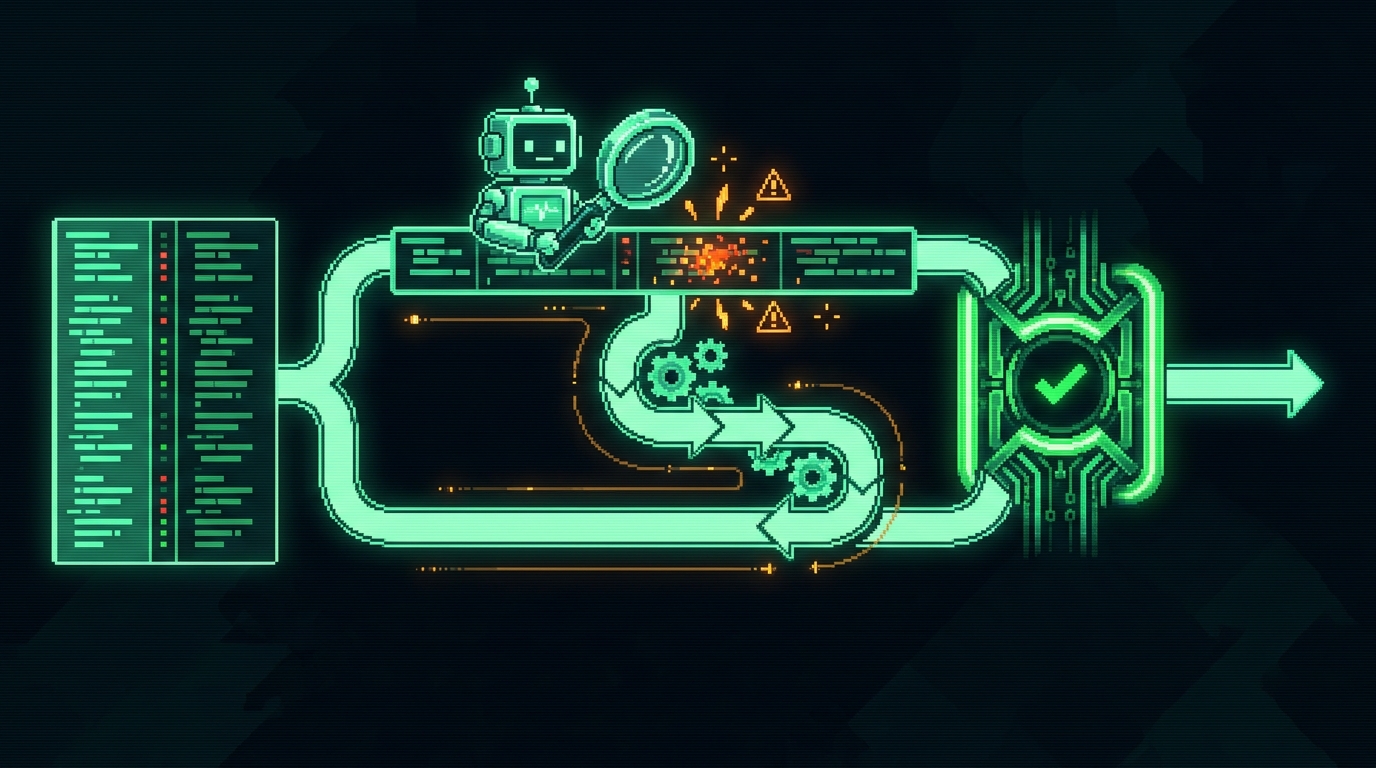
Fan out for a second opinion.
Two models disagreeing is cheaper than one model being confidently wrong.
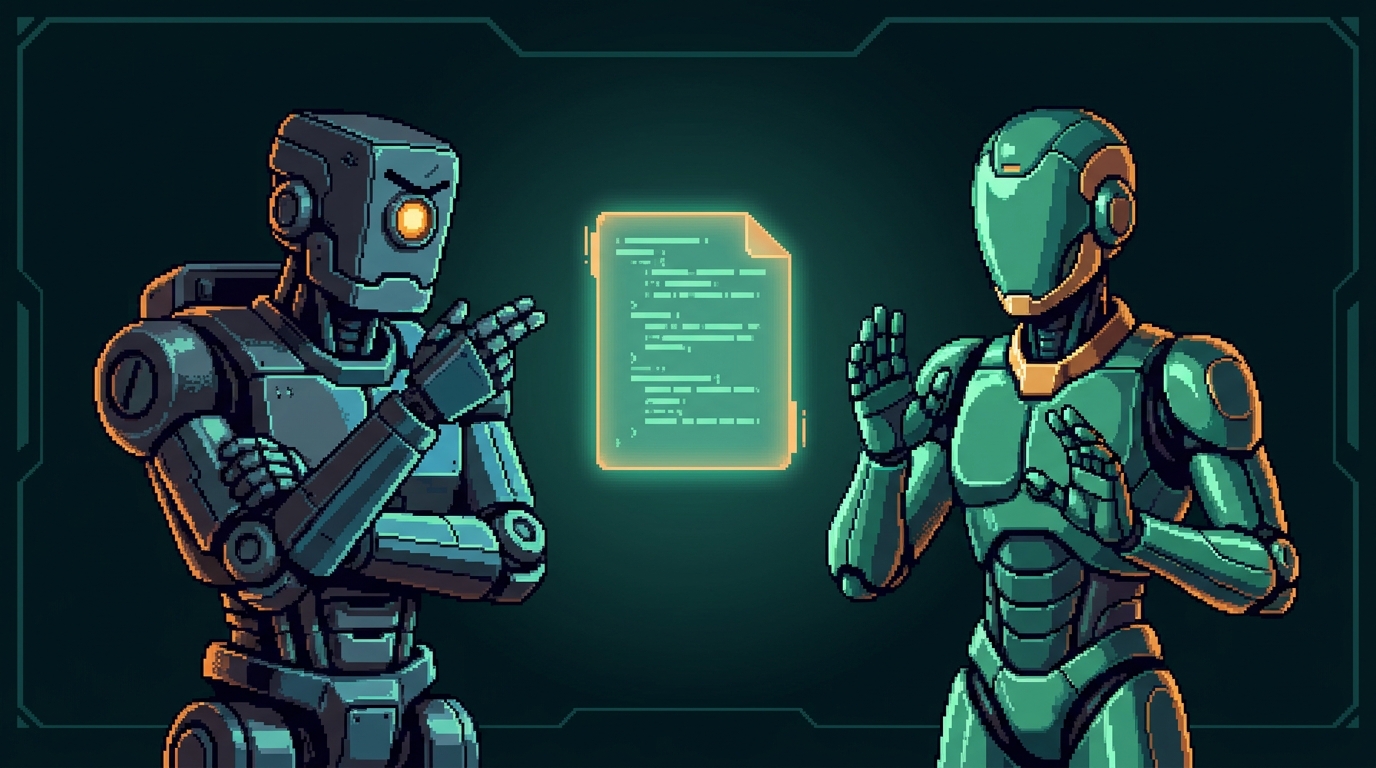
One model rationalizes. Two argue.
Fresh eyes catch what the author talked itself past.
Operators trust the gates — not the model's confidence.
Verification gates.
Make “done” something the agent has to prove.
Add a gate.
“Add a hook that runs lint, typecheck, and the tests on every change — and fix anything it flags.”
Get a second opinion.
“Fan this diff out to Codex for an adversarial review, then fix everything it finds.”
/codex:adversarial-review · or: codex exec "adversarially review this diff"

Scheduled tasks.
The work runs without you. That's the whole point.
Everything so far ran because you were there.
The last move cuts that cord.
Four ways it runs without you.
They differ by what makes them fire. Pick by the trigger you want.
Fires on every change — no command, you set it once. The verification gate: lint, typecheck, tests on each edit.
Iterates until a condition holds, then stops. One bounded job: a check passes, a checklist completes.
Re-runs on an interval — or self-paced — this session (Esc stops it). Recurring work while you’re around: poll, watch, repeat.
A persistent cloud routine — runs on its cadence even when your machine is off. Nightly, weekly: real automation.

The toil that comes back every week.
- ✓Dependency bumps
- ✓Status reports
- ✓Eval runs
- ✓The thing you just built
If it recurs, it shouldn't need you.
Schedule the thing you just built.
Every Monday, while you sleep: pull, fix, run the gates, draft the write-up.
- ↗Pull the latestSync the repo before anything runs.
- ⚙Run the loopThe goal + checklist you built today.
- ✓Run the gatesLint, typecheck, tests, second opinion.
- ✉Draft the write-upWaiting in your inbox by morning.
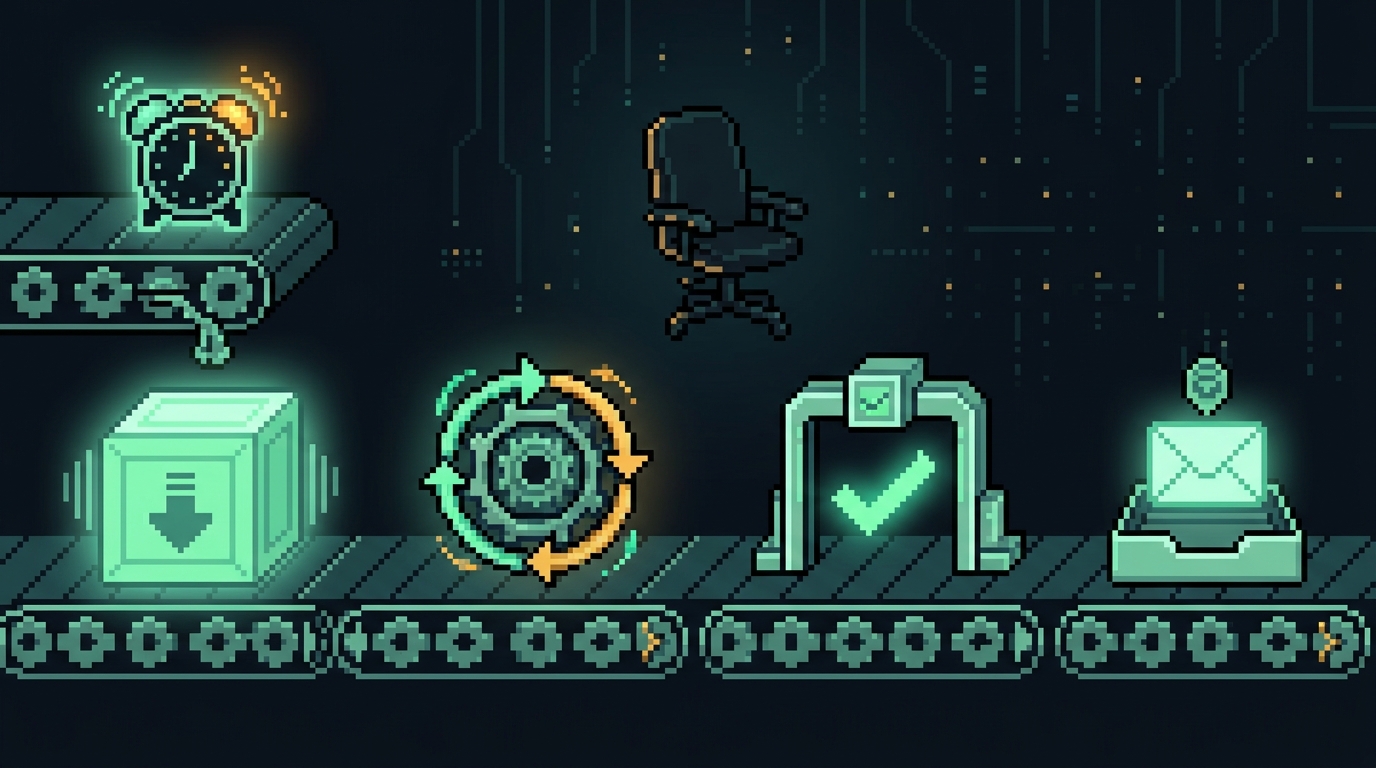
0 6 * * 1 · every Monday, 6am

Set the interval. Walk away.
/loop [interval] <cmd> — re-runs locally this session, e.g. /loop 1m bun playground/scheduled/report.ts.
/schedule … — a persistent cloud routine that runs even when you're offline. The empty chair is the point.
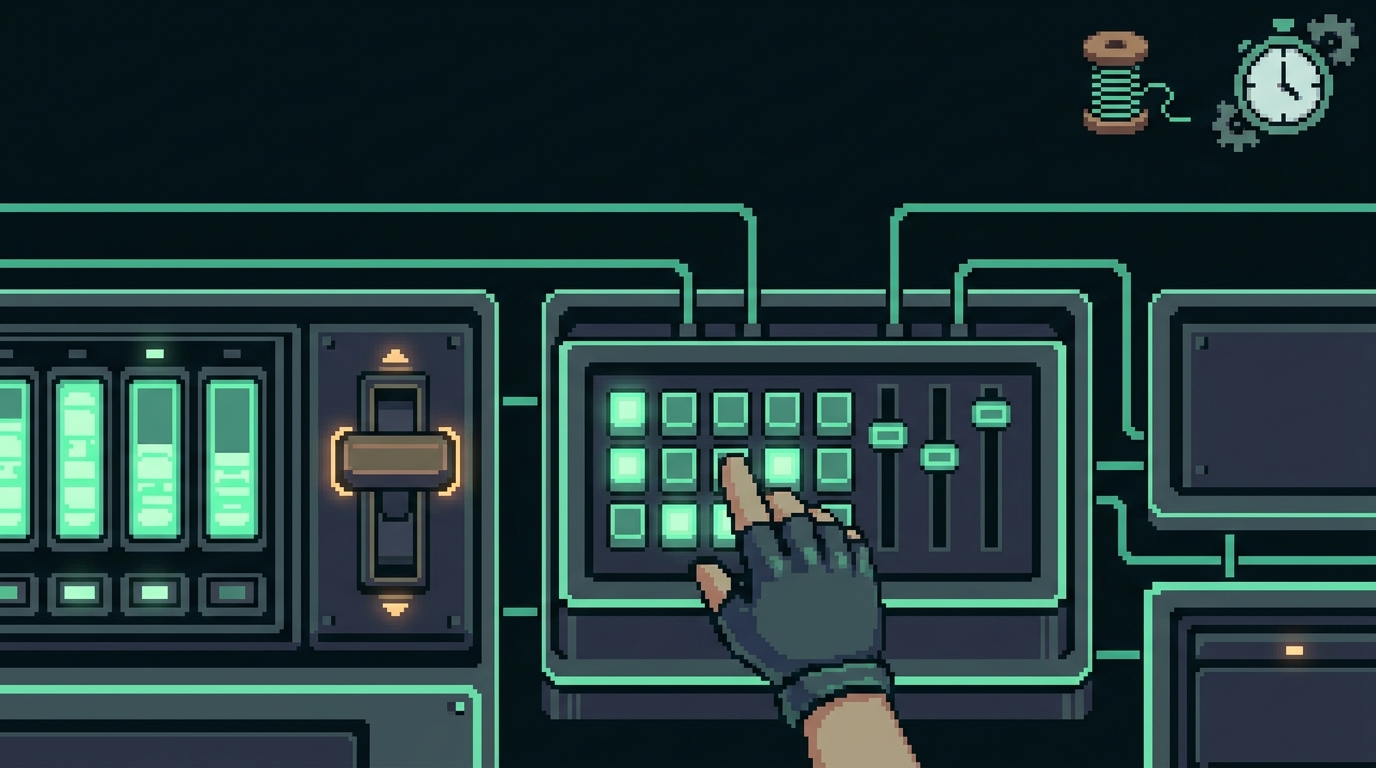
List what's running. Cancel what's not.
/schedule list — see every cloud routine. Cancel one by asking Claude or at claude.ai/code/routines.
A local /loop? Stop it with Esc.
Reversible — nothing runs that you didn't choose to keep.
Scheduled tasks.
Set it once. Let it run without you.
Schedule your work.
/loop 1m bun playground/scheduled/report.ts
/schedule every weekday 9am, run bun playground/scheduled/report.ts and summarize
/schedule list
Watch playground/scheduled/log.txt grow a line each run (run #1, #2, …) — Esc to stop the loop.
Close the loop.
“Run my closing check-in.”
Then watch the room migrate from toil → leverage.


You keep all of it.
- ✓The repo and the skills
- ✓Your scheduled task — still running Monday
- ✓The glossary — still answers
- ✓Your before→after on the board
The stack you just built.
Keep the repo. Keep the scheduled task.